Backorders
PMs have the ability to manage orders that do not have available inventory at the time the order was created.
Order Details - Backorder
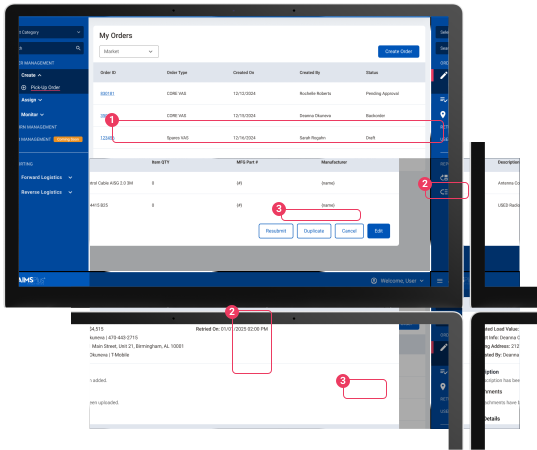
Orders that have been created but do not have available inventory at the time of creation will be placed in ‘Backorder’ status.
- To view order details, select the ‘Order Number’.
- Within the order details page, under the item details section, the quantity will show zero for orders in backorder status.
- Select the ‘Resubmit’ button to resubmit the order. The ‘Retried On’ field within the details section shows the last time the order has been submitted.